
Free MLA Bibliography Generator (MLA 9th Edition)
Our MLA bibliography generator turns your source details into correctly formatted MLA citations in seconds. Pick a source type, enter the details, and copy a citation that is ready for your Works Cited page.
The tool follows the MLA Handbook, 9th edition (2021), the current standard used in high schools, colleges, and universities across the US. Use it for essays, research papers, and annotated bibliographies without memorizing punctuation rules. Need to format the paper itself? The MLA Format Generator handles headings, margins, and page numbers too.
How to Use the MLA Bibliography Generator
Creating a citation takes four steps. Repeat them for every source in your paper.
- Choose your source type. Select a book, website, journal article, newspaper, video, or another format. Each type asks only for the details MLA needs.
- Enter the source details. Add the author, title, publisher, date, and location, such as page numbers, a URL, or a DOI. Leave a field blank if your source does not list it.
- Generate and review. Click generate, then check names and titles for spelling. The tool handles element order, punctuation, italics, and capitalization.
- Copy your citation. Paste it into your Works Cited page, then repeat for your next source.
Take details from the source itself, such as a book's title page or a journal's first page, not from a search result. Accurate input is what produces an accurate citation.
The 9 Core Elements Behind Every MLA Citation
MLA 9 builds each citation from up to nine core elements in a fixed order. The generator places each one where it belongs and skips any that do not apply to your source.
| No. | Core Element | What It Covers |
|---|---|---|
| 1 | Author | Person or group responsible, last name first |
| 2 | Title of Source | Book, article, web page, or video title |
| 3 | Title of Container | Larger work holding the source, such as a journal or website |
| 4 | Other Contributors | Editors, translators, or directors |
| 5 | Version | Edition, such as 2nd ed. or expanded ed. |
| 6 | Number | Volume and issue, such as vol. 12, no. 3 |
| 7 | Publisher | Organization that produced the source |
| 8 | Publication Date | When the source was published |
| 9 | Location | Page range, URL, or DOI |
The author and title each end with a period. Elements 3 through 9 are separated by commas, and the citation closes with a period.
MLA Citation Examples by Source Type
These are the formats the generator produces for the sources students cite most. Italicized titles stay italicized when you paste them into Word or Google Docs.
| Source Type | MLA 9 Format |
|---|---|
| Book | Last Name, First Name. Title of Book. Publisher, Year. |
| Website Article | Last Name, First Name. "Title of Article." Website Name, Day Month Year, URL. |
| Journal Article | Last Name, First Name. "Title of Article." Journal Name, vol. #, no. #, Year, pp. #-#. Database Name, DOI or URL. |
| YouTube Video | "Title of Video." YouTube, uploaded by Channel Name, Day Month Year, URL. |
A real book citation looks like this:
Morrison, Toni. Beloved. Knopf, 1987.
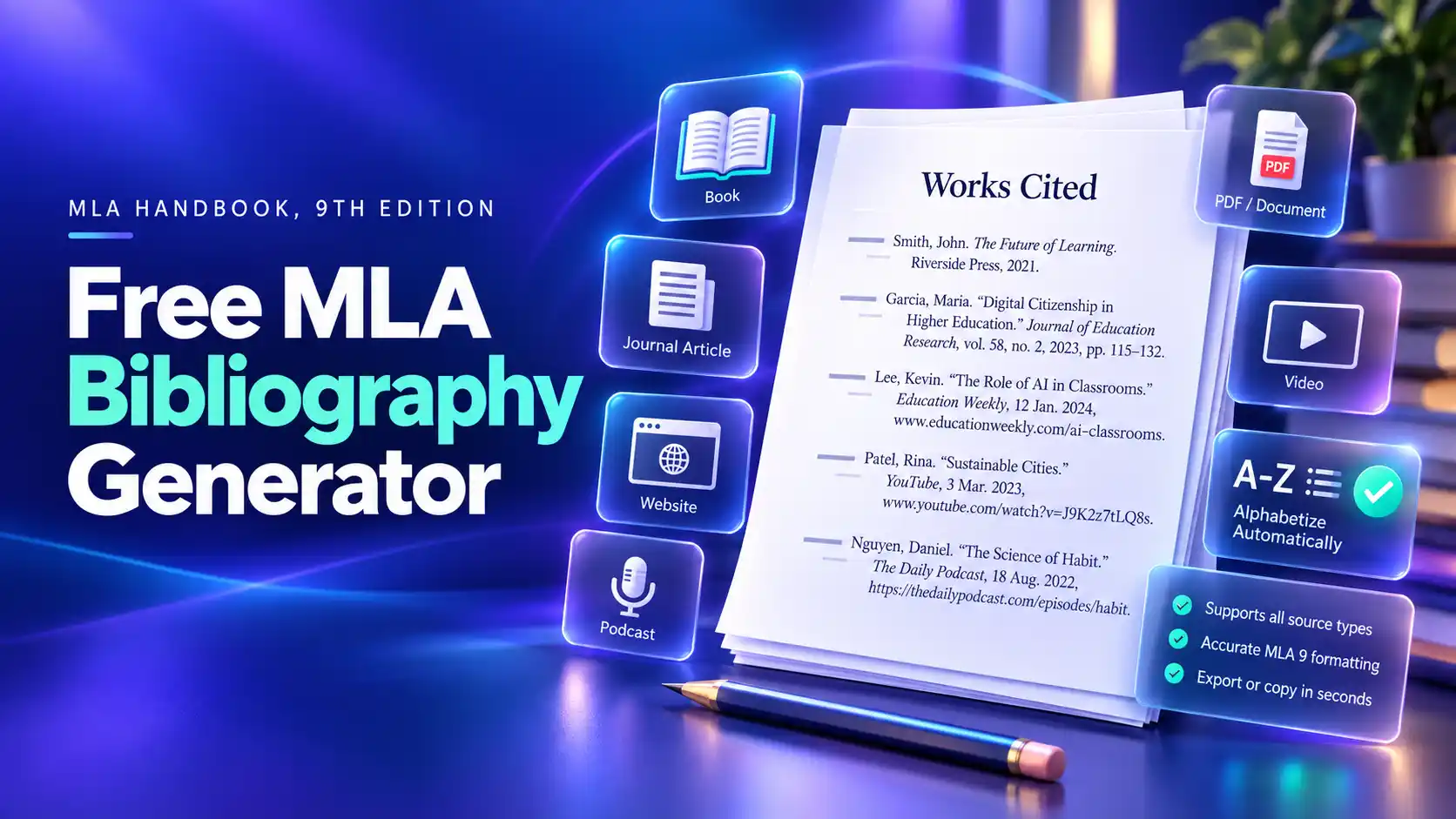
How to Format Your Works Cited Page
Once your citations are ready, set up the page with these MLA rules:
- Start the list on a new page at the end of your paper.
- Center the title Works Cited at the top, with no bold, italics, or quotation marks.
- Double-space every entry, with no extra lines between entries.
- Apply a 0.5-inch hanging indent to each entry.
- Sort entries alphabetically by the first word, usually the author's last name. Skip A, An, and The when sorting by title.
- Keep the same 1-inch margins and page-number header used in the rest of your paper. Build that header with the MLA Heading & Header Generator.
Title the page Works Consulted or Bibliography only if your instructor asks you to include sources you read but did not cite. You can switch the page title in the tool above, and the copied list and Word download will use it. For more on matching each entry to its in-text citation, see our guide on how to cite in MLA format, or build a multi-source list with the Works Cited Generator.
Common MLA Mistakes the Generator Prevents
Small formatting errors cost points on graded papers. The generator applies these MLA 9 rules for you automatically.
| Common Mistake | Correct MLA 9 Rule |
|---|---|
| Listing three or more authors in full | Name the first author, then add et al. |
| Adding http:// or https:// to URLs | Drop the prefix, but write DOIs as https://doi.org/ |
| Spelling out long month names | Abbreviate months longer than four letters: Jan., Sept., Dec. |
| Adding the city of publication | Leave it out for most modern books |
| Keeping Inc. or Company in publisher names | Drop business words and shorten University Press to UP |
| Writing p. in in-text citations | Use only the name and page: (Morrison 42) |
These rules come from the MLA Handbook, 9th edition, and the official MLA Style Center. Always check your instructor's guidelines too, since some courses add their own requirements.