
Free MLA In-Text Citation Generator (MLA 9th Edition)
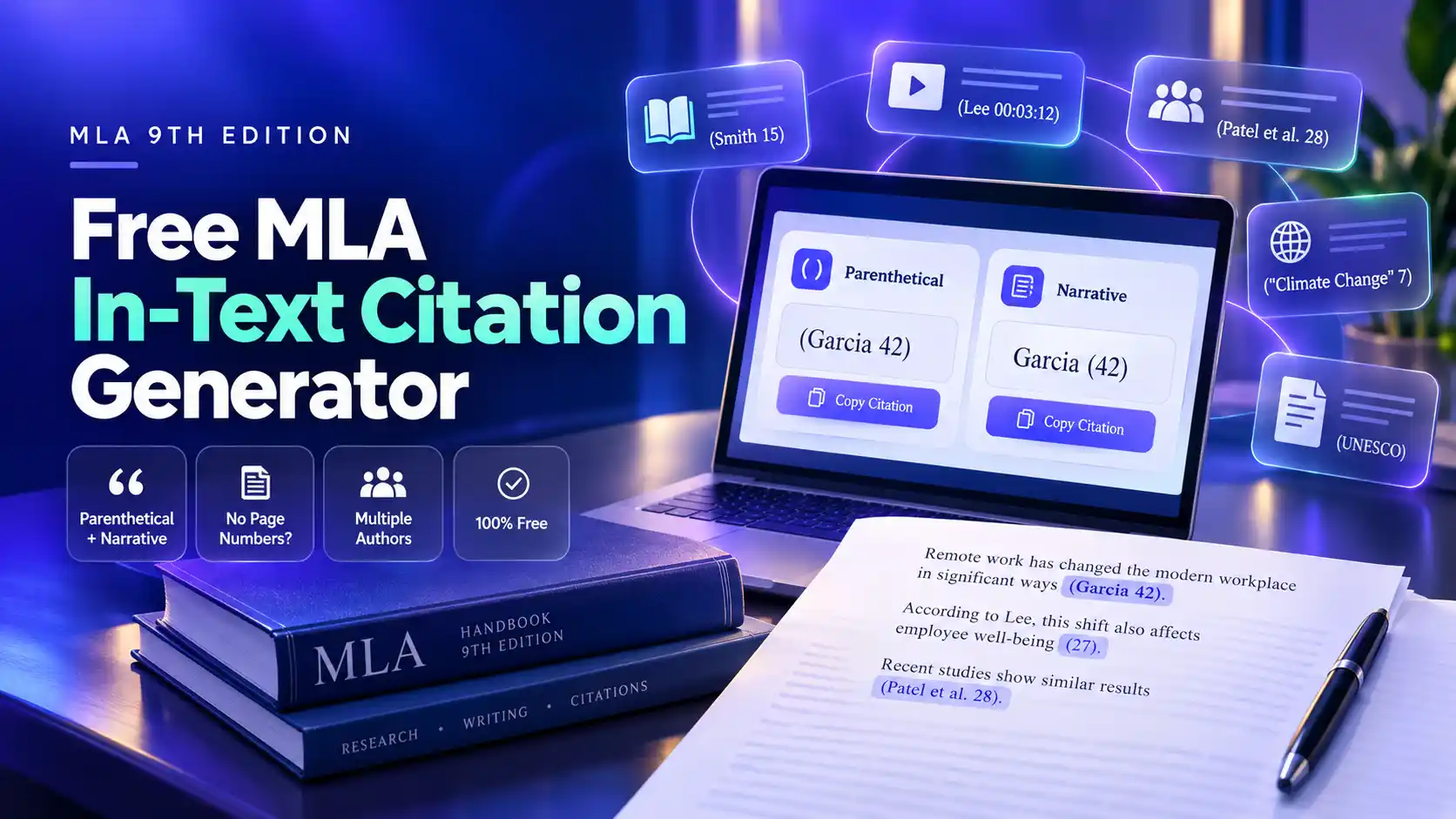
Our MLA in-text citation generator creates the short source reference that goes inside your essay, such as (Garcia 42). Enter the author, page number, or other locator, and the tool returns both the parenthetical and narrative versions, ready to paste.
Every result follows the MLA Handbook, 9th edition, and matches the first word of its Works Cited entry. It handles the cases students get stuck on most: no author, no page numbers, multiple authors, videos, and indirect quotes.
How to Use the MLA In-Text Citation Generator
You can create a citation in under a minute. Follow these steps for each quote or paraphrase in your paper.
- Select the number of authors. Choose one, two, three or more, an organization, or no author. The tool applies the matching MLA pattern automatically.
- Enter the author's last name or the title. For a source with no author, type the title exactly as it appears in your Works Cited entry.
- Add the location. Enter a page number, page range, time stamp, chapter, or line number. Leave it blank if the source has no numbering.
- Review both styles. The tool shows parenthetical for (Author Page) and narrative for when you name the author in your sentence.
- Copy and place it. Paste the citation right after the quoted or paraphrased material, before the period.
Build your Works Cited entry with our Works Cited Generator first. Your in-text citation must start with the same word as that entry.
MLA In-Text Citation Format: The Basic Rule
An MLA in-text citation gives the author's last name and the page number, with no comma and no "p." between them. You can write it in two ways, and the generator gives you both.
| Style | When to Use It | Example |
|---|---|---|
| Parenthetical | The source supports your point, but the author is not part of your sentence | Remote work raised reported job satisfaction (Garcia 42). |
| Narrative | You want to name the author or stress their authority | Garcia reports that remote work raised job satisfaction (42). |
Narrative citations read more naturally and help you vary your sentences. Parenthetical citations keep the focus on the idea. Most strong essays use a mix of both.
MLA In-Text Citation Examples by Author Type
The author pattern changes with the number and type of authors. These are the formats the generator produces.
| Author Situation | Parenthetical | Narrative |
|---|---|---|
| One author | (Garcia 42) | Garcia (42) |
| Two authors | (Garcia and Lee 42) | Garcia and Lee (42) |
| Three or more authors | (Garcia et al. 42) | Garcia and colleagues (42) |
| Organization as author | (Natl. Park Service 7) | The National Park Service (7) |
| No author | (“Rising Sea Levels” 3) | “Rising Sea Levels” (3) |
| Two works by one author | (Garcia, Remote Teams 42) | Garcia's Remote Teams (42) |
| Two authors with the same last name | (J. Lee 18) | Jamie Lee (18) |
For a source with no author, shorten the title to its first noun phrase. Keep the same formatting as the Works Cited entry: italics for books and websites, quotation marks for articles and pages. In parentheses, you may abbreviate common words in organization names, such as Dept. or Assoc.
How to Cite Sources Without Page Numbers
Many online sources have no page numbers. Never invent one. Use the locator the source actually provides, or cite the author alone.
| Source Type | What to Use | Example |
|---|---|---|
| Website or web article | Author only | (Patel) |
| Website with no author | Shortened page title | (“How Vaccines Work”) |
| YouTube video, film, or podcast | Time stamp range | (Patel 00:03:12-00:03:40) |
| E-book with no fixed pages | Chapter number | (Patel, ch. 3) |
| Source with numbered paragraphs | Paragraph number | (Patel, par. 4) |
| ChatGPT or other AI tool | Shortened prompt in quotation marks | (“Explain the symbolism”) |
Do not use Kindle location numbers, since they change between devices. Add a comma between the author and a label such as ch. or par., but not before a plain page number. If a PDF version of the source shows page numbers, use that version instead. For websites specifically, see citing a website without page numbers; for video, see citing a YouTube video; for AI tools, see citing ChatGPT and AI tools.
Special Cases the Generator Handles
Some sources need an extra element in the parentheses. The generator adds it for you once you pick the situation.
| Situation | Rule | Example |
|---|---|---|
| Indirect source | Add qtd. in before the source you actually read | (qtd. in Garcia 42) |
| Two sources for one idea | Separate them with a semicolon | (Garcia 42; Lee 18) |
| Page range | Use a hyphen; shorten the second number past 99 | (Garcia 112-15) |
| Multivolume work | Volume, colon, space, page | (Garcia 2: 45) |
| Information from a footnote | Page, n, and note number | (Garcia 205n4) |
| Play in acts and scenes | Act, scene, and line, separated by periods | (Hamlet 3.1.56-60) |
| Poem with line numbers | Use lines on first mention, then numbers only | (lines 5-8) |
| Bible | Version, then book, chapter, and verse | (New Jerusalem Bible, Gen. 1.1) |
For an indirect source, list only the source you read in your Works Cited, not the original author. Whenever possible, find and cite the original. For scripture citations, see how to cite the Bible in MLA.
Where to Place an MLA In-Text Citation
Put the citation as close as possible to the borrowed material, usually at the end of the sentence. Where it sits next to the punctuation depends on the type of quote.
- Short quotation: after the closing quotation mark, before the period. Example: Garcia calls it "a quiet revolution" (42).
- Quote ending in a question or exclamation mark: keep that mark inside the quotes and still add a period after the citation. Example: "Who benefits?" (Garcia 42).
- Paraphrase: at the end of the paraphrased idea, before the period.
- Block quotation: after the final punctuation of the block, with no period after the parentheses. See MLA Block Quote Format for full rules and examples.
- Mid-sentence citation: before a comma or semicolon if the source covers only part of the sentence.
If you cite the same source several times in a row and the author is clear, MLA lets you give only the page number in later citations.
Common In-Text Citation Mistakes the Generator Fixes
| Mistake | Wrong | Correct |
|---|---|---|
| Comma between author and page | (Garcia, 42) | (Garcia 42) |
| Adding p. or pg. | (Garcia p. 42) | (Garcia 42) |
| Using the year like APA | (Garcia, 2023) | (Garcia 42) |
| Repeating the author in a narrative citation | Garcia says … (Garcia 42). | Garcia says … (42). |
| Period inside the quote | "… revolution." (42) | "… revolution" (42). |
| Title that does not match Works Cited | (Rising Seas 3) | (“Rising Sea Levels” 3) |
The most common error is a mismatch with the Works Cited page. Your reader should be able to find the entry instantly from the first word in your parentheses.