
Last 1
Your Name
Instructor
Course
1 October 2026
Instructor
Course
1 October 2026
Title of Your Paper
Start your essay here. Double-space the whole paper and indent each new paragraph.
Your sources, your essay, one simple workspace. Create citations and format your paper for free.
Your writing workspace
Step 1
Choose your source, then look it up or enter the details yourself.
Check the author, title, and date against your original source.
Your sources will appear here, ready for your Works Cited page.
Step 2
Add your assignment details and essay. Your formatted preview updates as you type.
Review your heading, paragraphs, and Works Cited below, then copy, download, or print.
For a block quotation, begin its paragraph with >. Separate paragraphs with a blank line.
Live preview
Start your essay here. Double-space the whole paper and indent each new paragraph.
Preview updates as you type.
Made for your next assignment
Create MLA 9 citations and format your essay in one place. Add your sources, enter your paper details, and check the preview before exporting to Word or Google Docs.
See how it works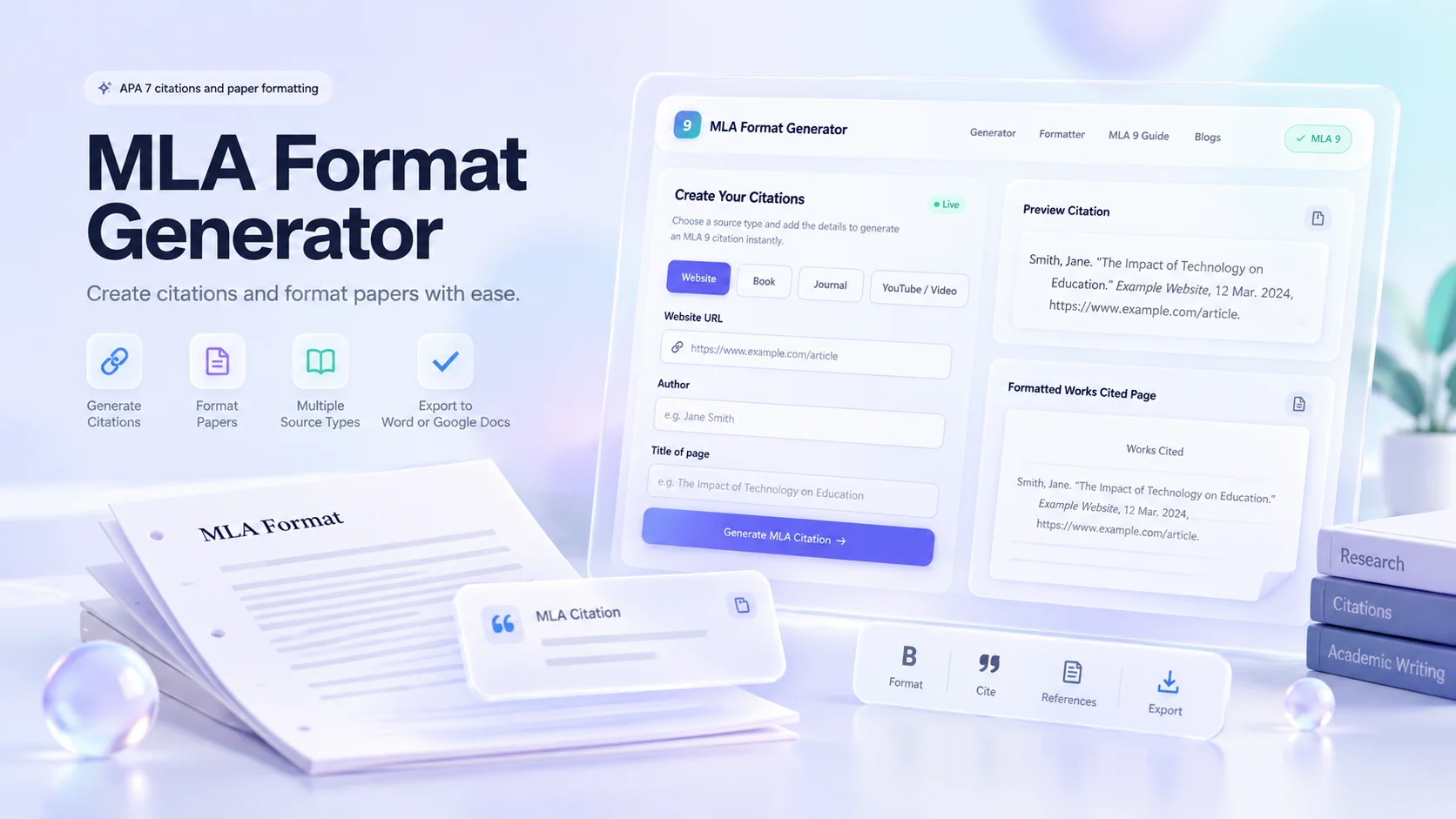
Academic Writing Toolkit
Build citations, format your essay, and export your paper from one workspace.
Cite 16 source types in MLA 9 or APA 7, with matching in-text citations.
See your heading, title, paragraphs, and Works Cited update as you type. Review the layout before exporting.
Download a Word document, continue in Google Docs, or print. Check the formatting in your chosen editor.
Simple Workflow
Pick a source type and enter the details. Use quick lookup for URLs, ISBNs, and DOIs, or switch to manual entry for anything else.
Fill in your name, instructor, course, and date. Type or paste your essay and watch the preview format itself in real time.
Review your live preview, check for missing details, then download as Word, copy to Google Docs, or print your finished paper.
Source Coverage
Online news, blog posts, organization pages, and digital publications with URLs.
Printed books, e-readers, anthologies, and textbooks identified by ISBN or title.
Peer-reviewed articles, research papers, and scholarly publications with DOIs.
Video clips, documentaries, recorded lectures, and streaming content.
Reports, government publications, whitepapers, and digital files in PDF format.
Podcasts, interviews, films, music, artwork, court cases, lectures, emails, reports, and theses.
MLA assignments need a consistent paper layout and clear source references. Use this guide to check your heading, paragraphs, citations, and Works Cited before submitting. Always follow any specific instructions from your teacher.
The generator brings citation building and paper formatting into one workspace. Add your sources, enter your assignment details, and paste your essay to prepare a draft with a heading, centered title, running header, and Works Cited list.
Paper formatting controls how your document looks. Citations explain where its quotations and borrowed ideas come from. You can use either tool on its own or complete both steps before exporting. The guidance follows the ninth edition of the MLA Handbook.
Select a source type, including the twelve options under More sources. Enter a URL, ISBN, or DOI for supported lookup, or choose Enter manually. Review the source details before adding your citation.
Enter your name, instructor, course, assignment date, and paper title. Supply your last name for the running header, then type or paste your essay. Separate paragraphs with a blank line and add in-text citations where you quote or paraphrase.
The preview updates as you work. Review your personal details, paragraph breaks, and references before downloading a Word file, copying the paper, or opening print view. After exporting, check the document again in your chosen editor.
Begin with four lines at the upper left: your name, instructor’s name, course, and assignment date. Center the paper title below the heading. Keep its font size consistent with the body and avoid decorative styling or unnecessary bold text. The MLA Heading & Header Generator builds these lines and the running header for you.
A standard student paper usually does not need a separate title page unless the assignment asks for one. If your assignment does require one, such as for a group project, the MLA Title Page Generator formats it correctly. If your title includes the name of a book or another work, retain that work’s appropriate italics or quotation marks.
Use one-inch margins and double spacing throughout. Choose a readable font with distinct regular and italic styles; 12-point Times New Roman is a common classroom choice. Align body text left, indent each ordinary paragraph by half an inch, and avoid extra space between paragraphs.
The running header contains your last name and page number, such as Torres 1, at the upper right. Keep page numbers consecutive through Works Cited. Check that exported page numbers update automatically.
A quotation longer than four lines of prose or three lines of verse normally uses block formatting. Start a new paragraph, indent the block half an inch, retain double spacing, and omit enclosing quotation marks. Begin a block-quotation paragraph with > in the essay field. See MLA Block Quote Format for prose, poetry, and play-dialogue examples.
Record the author, page title, website name, publication date, and specific page URL. A website-wide copyright year may not be the article’s publication date. Include an access date when useful for undated or changing material.
Use the author, book title, publisher, and publication year. Add an edition or contributor when relevant. Confirm that an ISBN lookup matches the edition you actually read, since editions can have different page numbers.
Include the author, article title, journal title, volume, issue, date, and page range where available. For an online article, use its DOI or another suitable online location. Check the details against the publication itself.
For videos, check the creator, title, uploader, date, and URL. Use a timestamp when referring to a particular moment. A PDF is a file format: cite the book, article, or report it contains.
For poems, images, or social posts, record the creator, title or description, publication details, and original location. These may need manual adjustments; choose the available form that best fits the underlying source.
An in-text citation identifies the source supporting a passage. Its matching Works Cited entry provides the full details. For one author and numbered pages, the usual pattern is (Author Page), for example (Torres 42). If you name Torres in the sentence, use (42). The MLA In-Text Citation Generator builds both the parenthetical and narrative versions for you.
When a source has no page numbers, use the author or shortened title needed to match the reference. Do not invent page numbers. Cite paraphrases as well as direct quotations, and keep each citation beside the material it supports. For websites specifically, see how to cite a website without page numbers.
Start Works Cited on a separate page after the essay, continuing the page numbering. Center the heading, double-space the entries, and use a half-inch hanging indent. Alphabetize by the first element, usually the author’s surname, and remove duplicate or unused sources.
Keep authors in the order printed on the source. A two-author reference names both authors; a work with three or more normally uses the first author followed by et al. When sorting title-led entries, ignore an opening A, An, or The.
Some sources lack an author or date. Check whether an organization is credited; if no author is identified, the entry generally starts with the title. Omit an unavailable publication date instead of guessing. An access date does not replace it.
Automatic lookup can return incomplete titles, incorrect editions, or misplaced author names. Compare each result with the original and correct it before export. A neatly formatted reference still needs accurate information.
Copy heading transfers your assignment details. Copy paper transfers the draft; Word downloads a formatted document. To continue in Google Docs, upload the Word file to Drive and open it with Docs. Print opens the printable layout.
Plain-text copying can lose formatting. Before submitting, check your heading, margins, indents, headers, and references. Keep a saved copy of the finished paper.
Built for Students
Your essay never leaves your browser. We do not store, collect, or transmit any of your writing or personal information.
Build MLA 9 and APA 7 citations with source details you can review and edit.
Desktop, tablet, or phone — the full generator runs smoothly wherever your research takes you.
Every formatting choice comes with context. Understand the rules behind your citations instead of blindly copying output.
A citation generator prepares source references. A paper-formatting tool also helps arrange the heading, title, body, headers, and reference pages. This workflow brings both tasks together.
Yes. Paste your draft into the essay field and enter your assignment details. Review paragraph breaks, quotations, and citations before exporting.
Select APA 7 in the citation-style controls to create APA references. Confirm your instructor’s document requirements before submitting.
The guidance on this page follows MLA 9. If your course specifically requires an older edition, check its instructions before preparing the final document.
MLA allows readable fonts with distinguishable regular and italic styles. Twelve-point Times New Roman is a common choice, but your instructor may specify another font or size.
A standard student MLA paper normally uses a first-page heading and centered title. Add a separate title page when your assignment requires one.
You provide the essay text. The tool helps you prepare its references and document layout while you remain responsible for the argument and source use.
Formatting is one part of acknowledging sources. You also need to mark quotations, credit borrowed ideas, and cite them where they appear. A reference list alone does not establish that the writing uses its sources appropriately.
Follow the instructions for your assignment. Courses may specify different headings, fonts, title pages, or other details.
This is an independent writing tool. The guidance follows the MLA Handbook, ninth edition.
Bring your sources and your draft. Create citations, check the layout, and export your paper — free, with no account required.
Open the Generator ↑